
Schema Lists
Lists are reusable sets of predefined values, such as customers, products etc. You link a list to a schema so that people pick from the available list values when filling out certificates instead of typing.
Lists are available under Certificates › Lists. The Certificates area has three tabs:
- Certificates: create, notarize, and manage certificates. See Notarize Certificates for issuing and Certificate Receivers for verifying.
- Schemas: the Schema Builder
- Lists
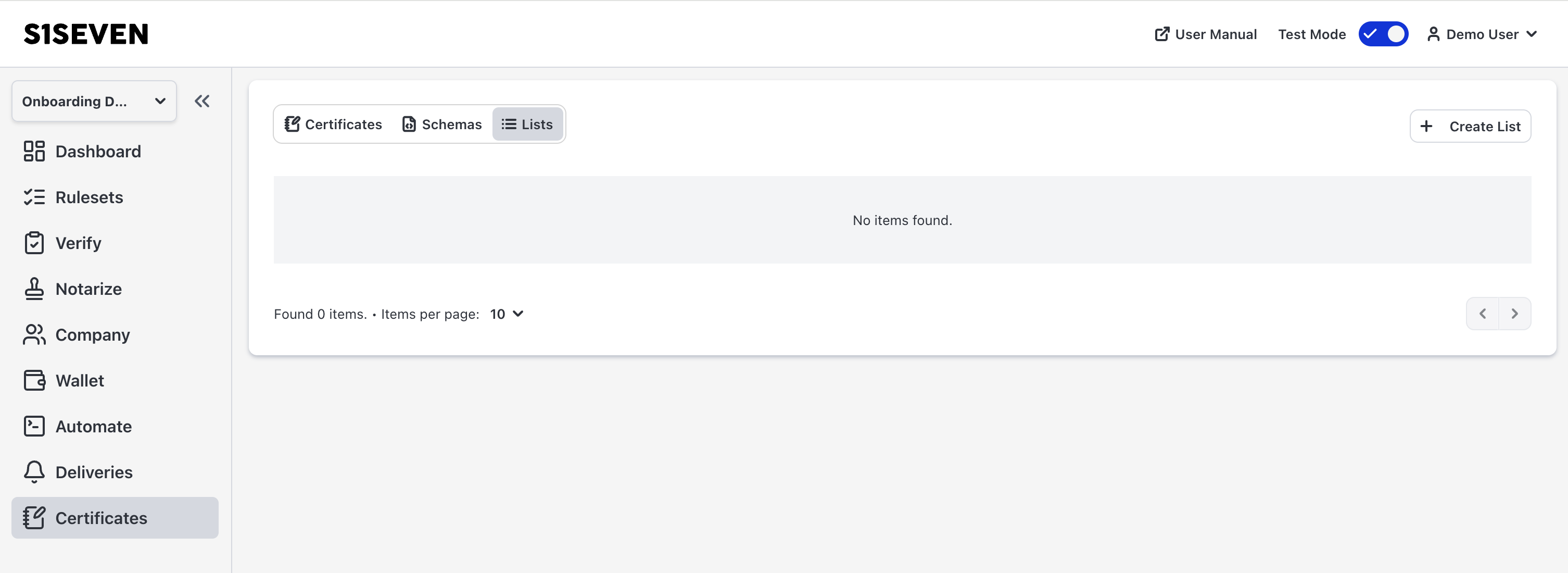
Create a List
A list is based on a field in an existing schema. When you create a list, you select the Schema and the Schema Path of that field. The structure of the field is the list's model: it defines the fields each entry has.
Tick Create mapping with this schema to link the new list to that schema and field right away.
Entries
Each entry has a value for every field in the model. Deleting an entry does not reverse the certificate data where it has already been used.
Visibility
A list is Private or Public. A public list can be used by the companies which have the same schema assigned to them.
Link a List to a Schema
Linking ties a list to a certain part of the schema schema. Manage links from either side:
- From the list, under Linked Schemas. The link uses the suggested schema path shown in the table.
- From the schema, under Linked Lists in the schema's actions menu.
In the certificate form, a database icon ( ) on the linked field opens the list. Picking an entry fills in its values.
Export List Model in the list's actions menu downloads the model as a JSON file.